Applications
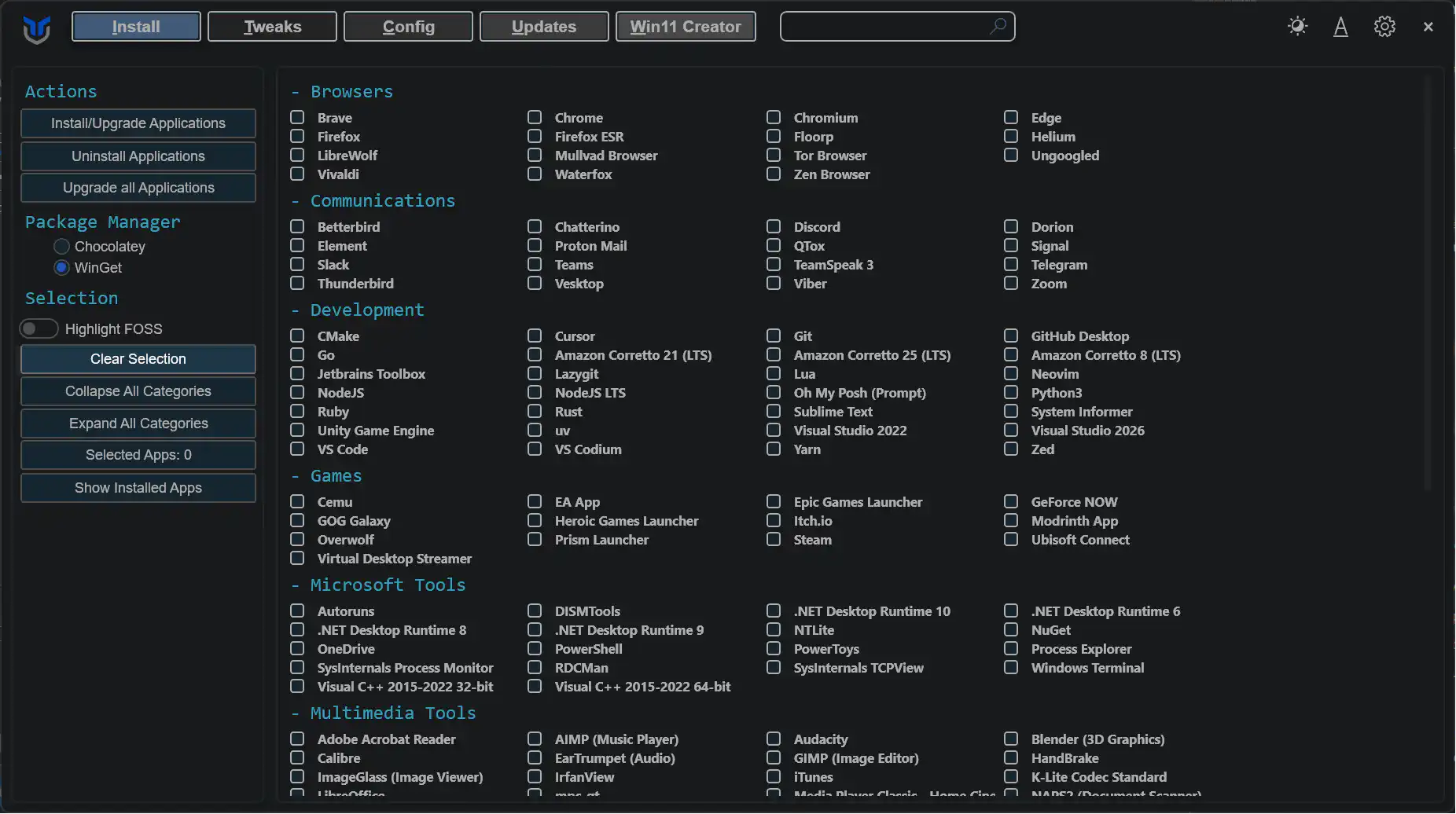
Use the Applications tab to install, upgrade, uninstall, and review supported apps from one place. WinUtil relies on package manager support for these actions, so the available results depend on what WinGet can detect and manage on your system.
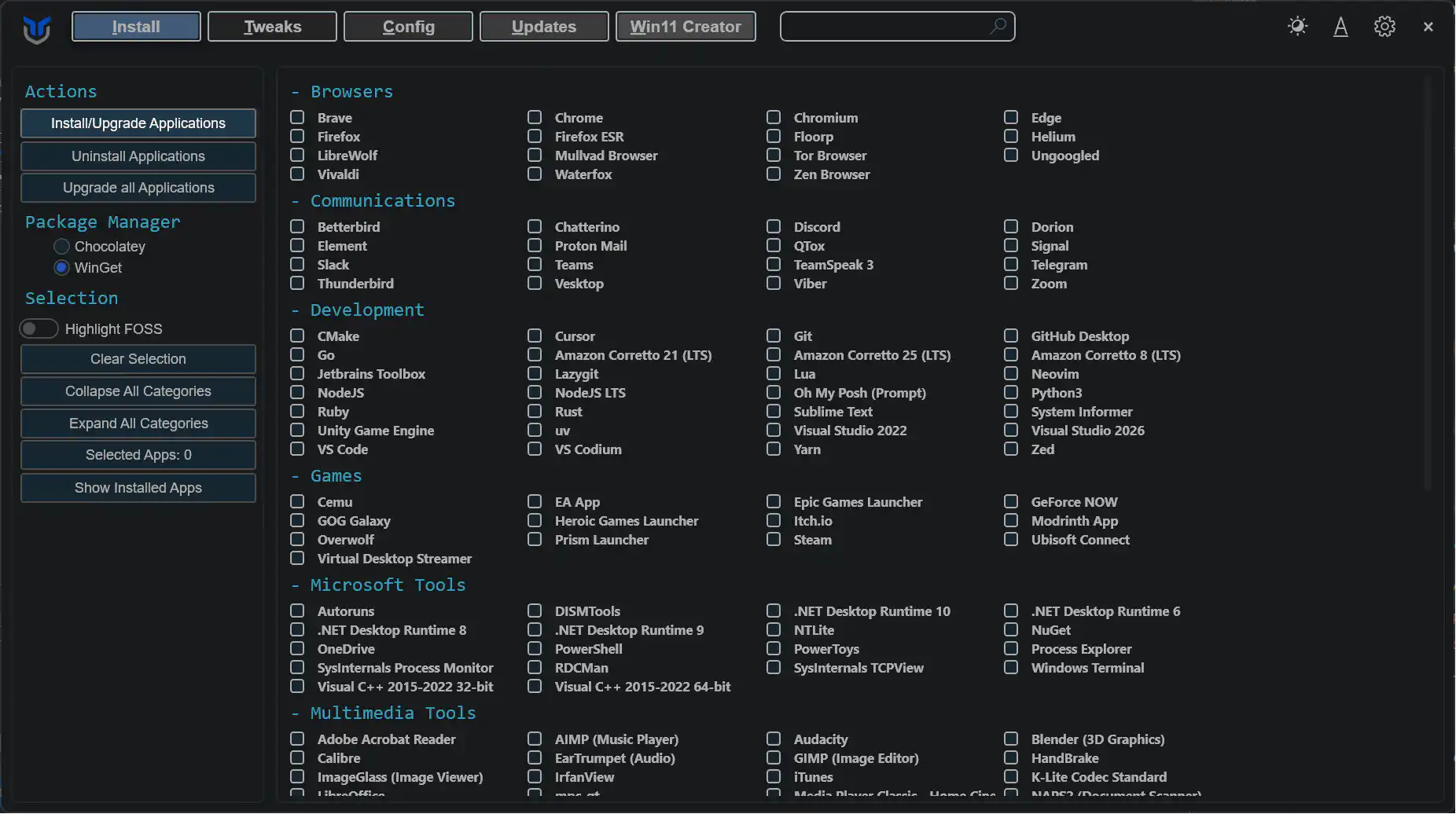
- Choose the applications you want to install or upgrade.
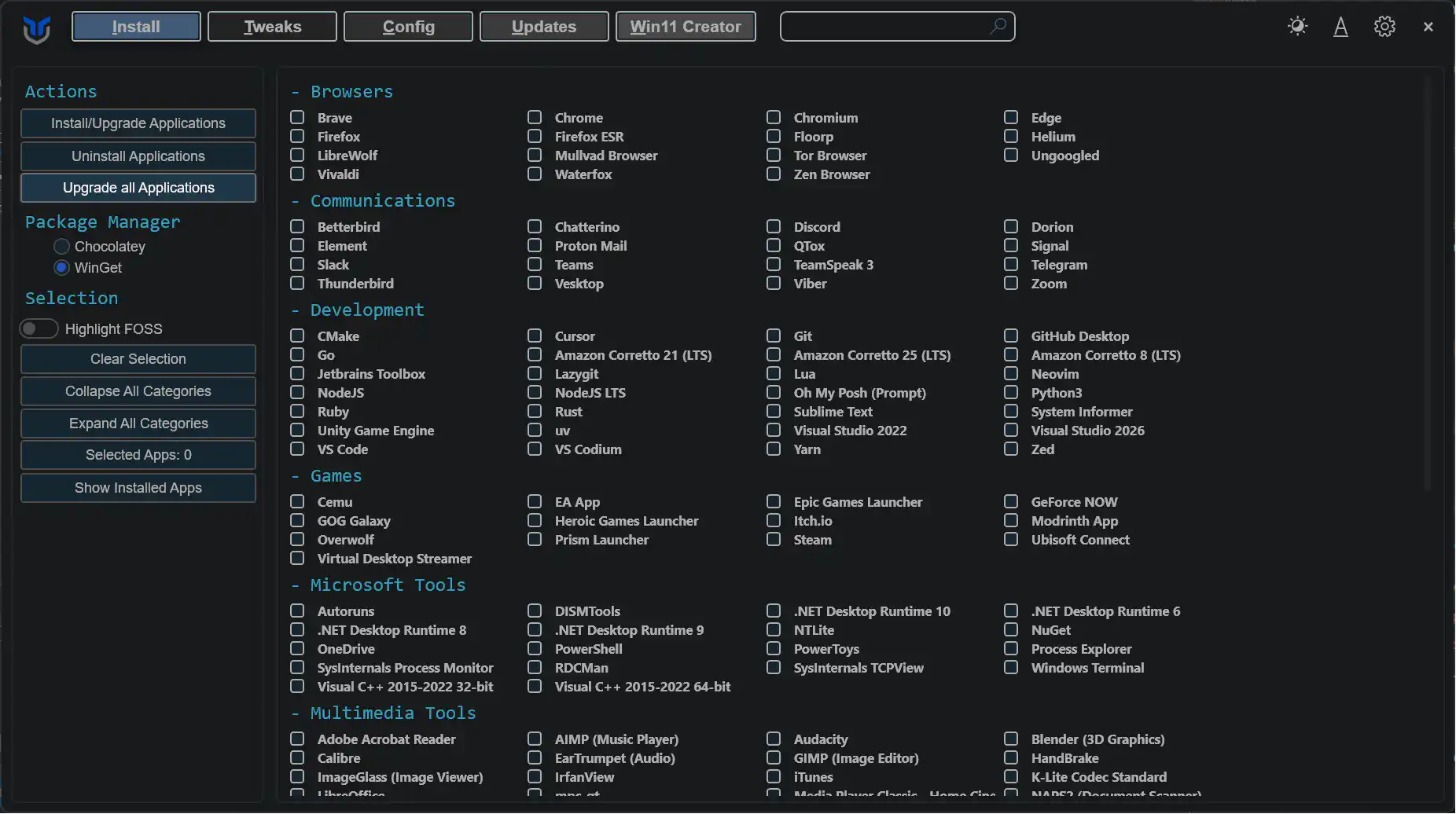
- For programs not currently installed, this action will install them.
- For programs already installed, this action will update them to the latest version.
- Click the
Install/Upgrade Selectedbutton to start the installation or upgrade process.
Tip
If you have trouble finding an application, press Ctrl + F and search for its name. The list filters as you type.
Note
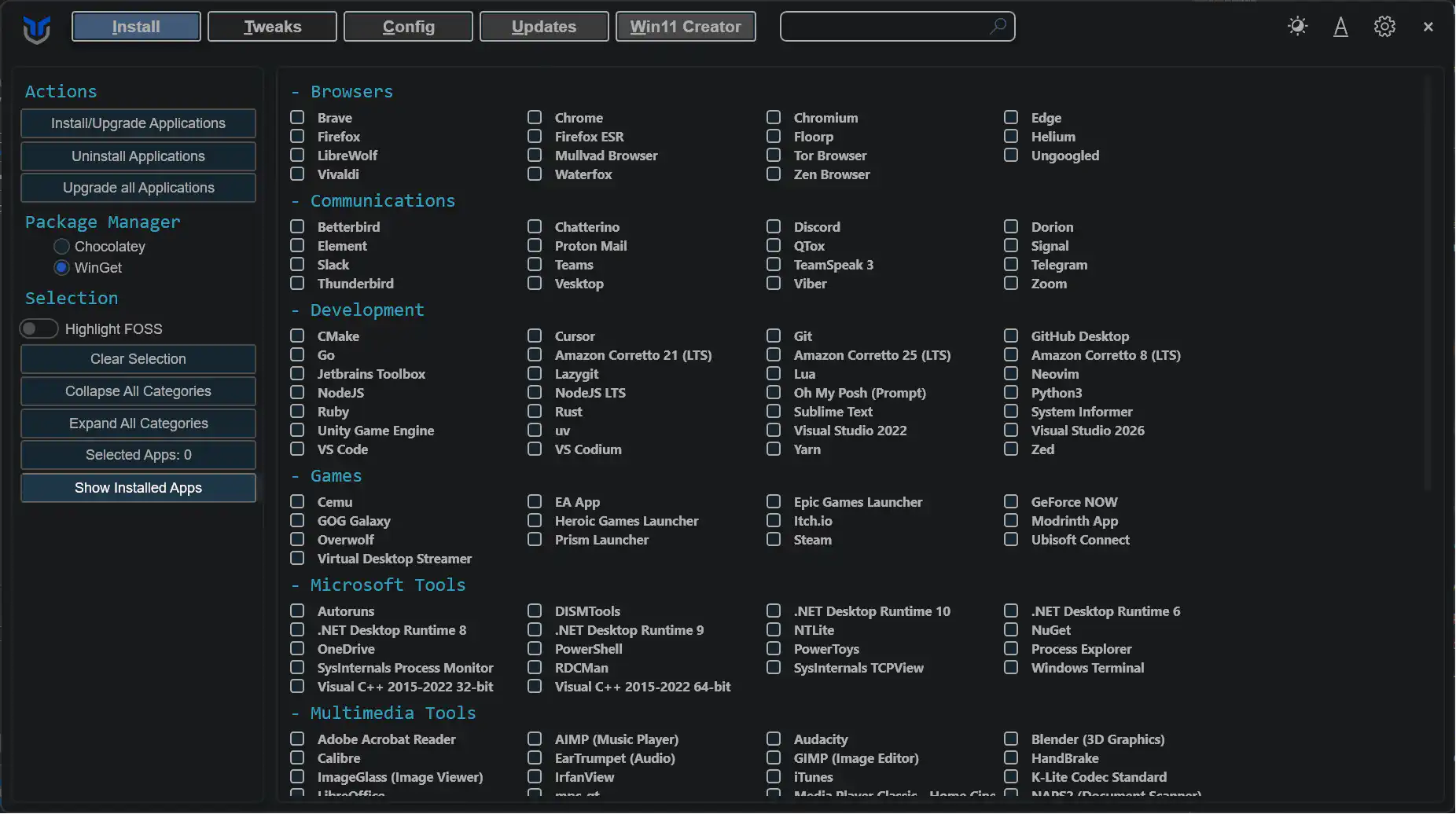
Show Installed Apps only selects software that WinGet can identify. Apps installed outside supported package sources may not appear.
Important
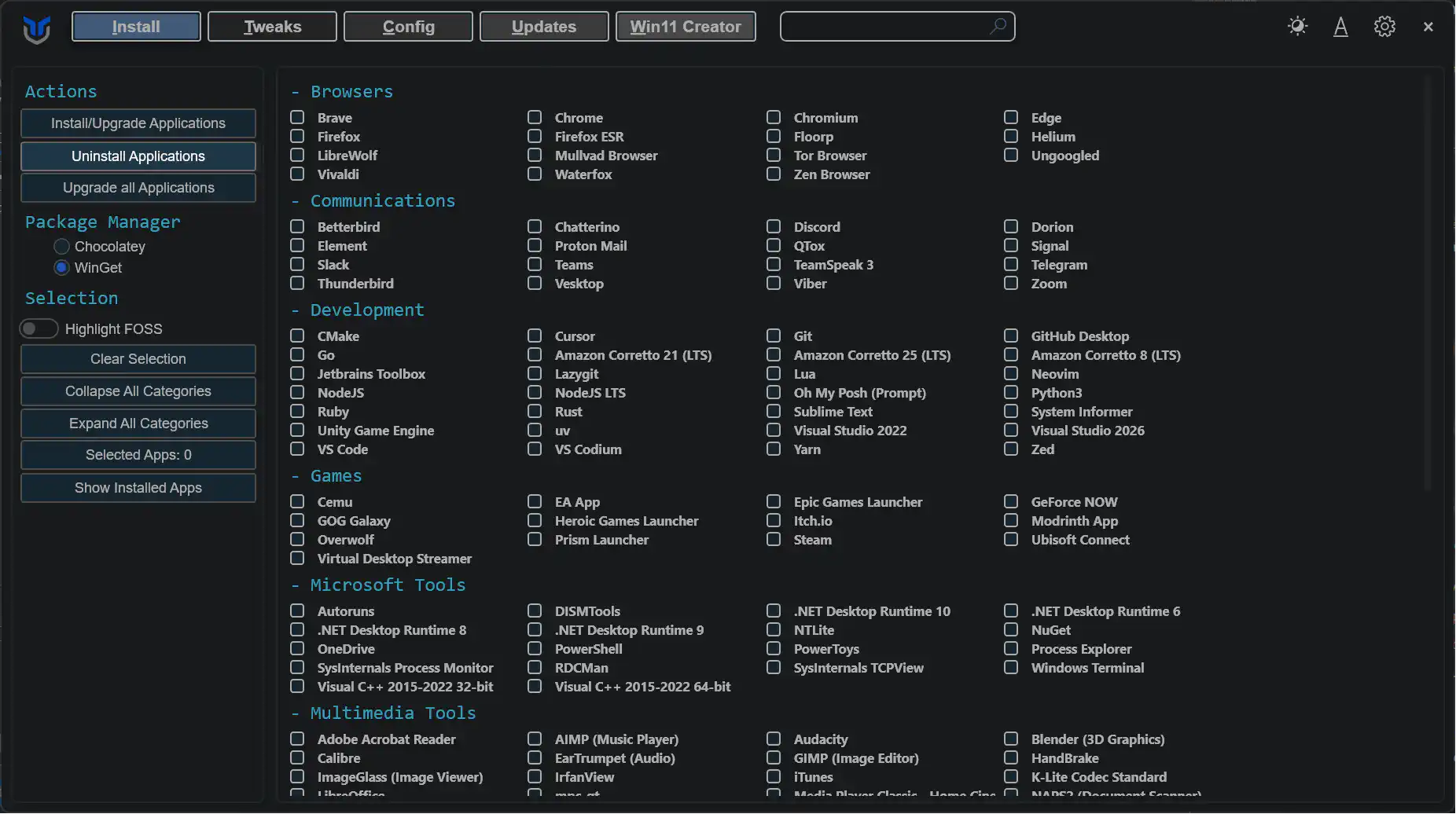
Before uninstalling or upgrading apps, close any running programs first. Some packages may still prompt for input or fail if their source is unavailable.
Last updated on