Features
Use the Features and Fixes sections to install optional Windows components and run common repair tasks.
This page maps to the Config tab in WinUtil. Some actions complete immediately, while others may prompt, download files from Microsoft, or require a restart before the change is fully available.
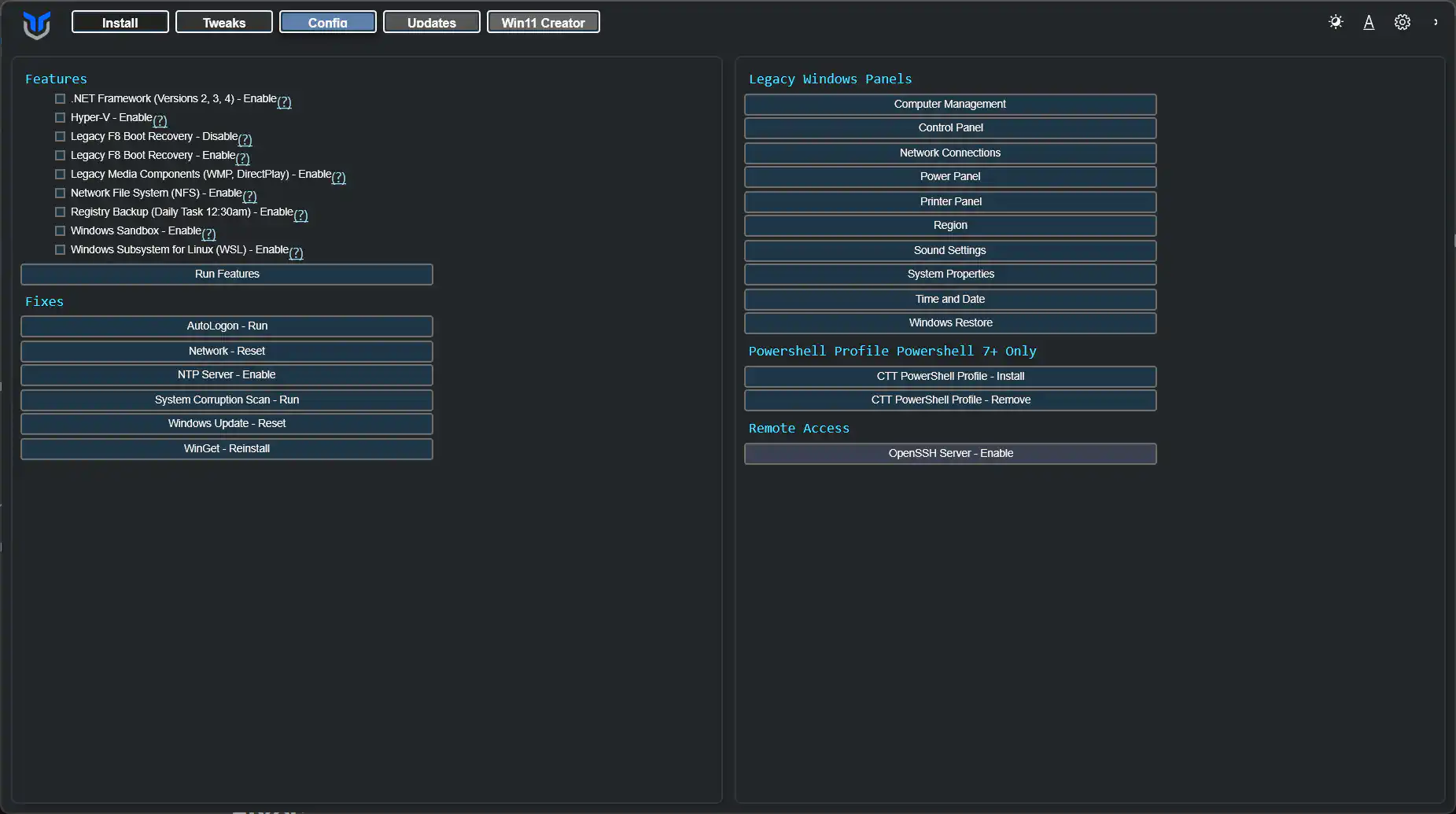
Windows Features
Install common Windows features by selecting the feature checkboxes and clicking Install Features.
If a feature depends on Windows installation media or optional downloads, Windows may take longer to finish or request a reboot.
- All .NET Frameworks (2, 3, 4)
- Hyper-V Virtualization
- Legacy Media (WMP, DirectPlay)
- NFS - Network File System
- Enable Daily Registry Backup Task 12:30 AM
- Enable Legacy F8 Boot Recovery
- Disable Legacy F8 Boot Recovery
- Windows Subsystem for Linux
- Windows Sandbox
Fixes
Use these one-click fixes for common system problems.
Use these when you have a specific issue to correct, not as a routine cleanup step.
- Set Up Autologin
- Reset Windows Update
- Reset Network
- System Corruption Scan
- WinGet Reinstall
Legacy Windows Panels
Open old-school Windows panels directly from WinUtil. Available panels include:
- Control Panel
- Network Connections
- Power Panel
- Region
- Sound Settings
- System Properties
- User Accounts
Remote Access
Enable an OpenSSH server on your Windows machine for remote access.
Only enable this if you intend to use remote shell access. After turning it on, verify your firewall rules and account permissions before exposing the machine to other devices.